Explore solutions built for your industry

Our customer-proven solutions monitor medications and food inventories for some of the most recognizable names in the industries of healthcare, food service, and transportation, and logistics. See how our solutions adapt to your industry needs.

SEE SOLUTIONS

System Overview

Share SmartSense Solutions with your team.

DOWNLOAD BROCHURE

LEARN

Resource Center

Work smarter. Explore our videos, webinars, and customer stories.

See resources

Brochures

Learn how our Sensing-as-a-Service solutions can fit your business.

See brochures

Datasheets

Review technical specifications for our solutions.

See datasheets

Questions? Contact us.

Call +1 (866) 806-2653 to speak with our experts or get started with a demo.

CONTACT US

About Us

SmartSense was created to use the power of the Internet of Things (IoT) to help our customers protect the assets most critical to the success of their business.

See our story

Careers

Create the future of IoT by joining our team.

See job openings

How to Buy

Enjoy a worry-free customer purchasing experience.

Learn more

OPERATE
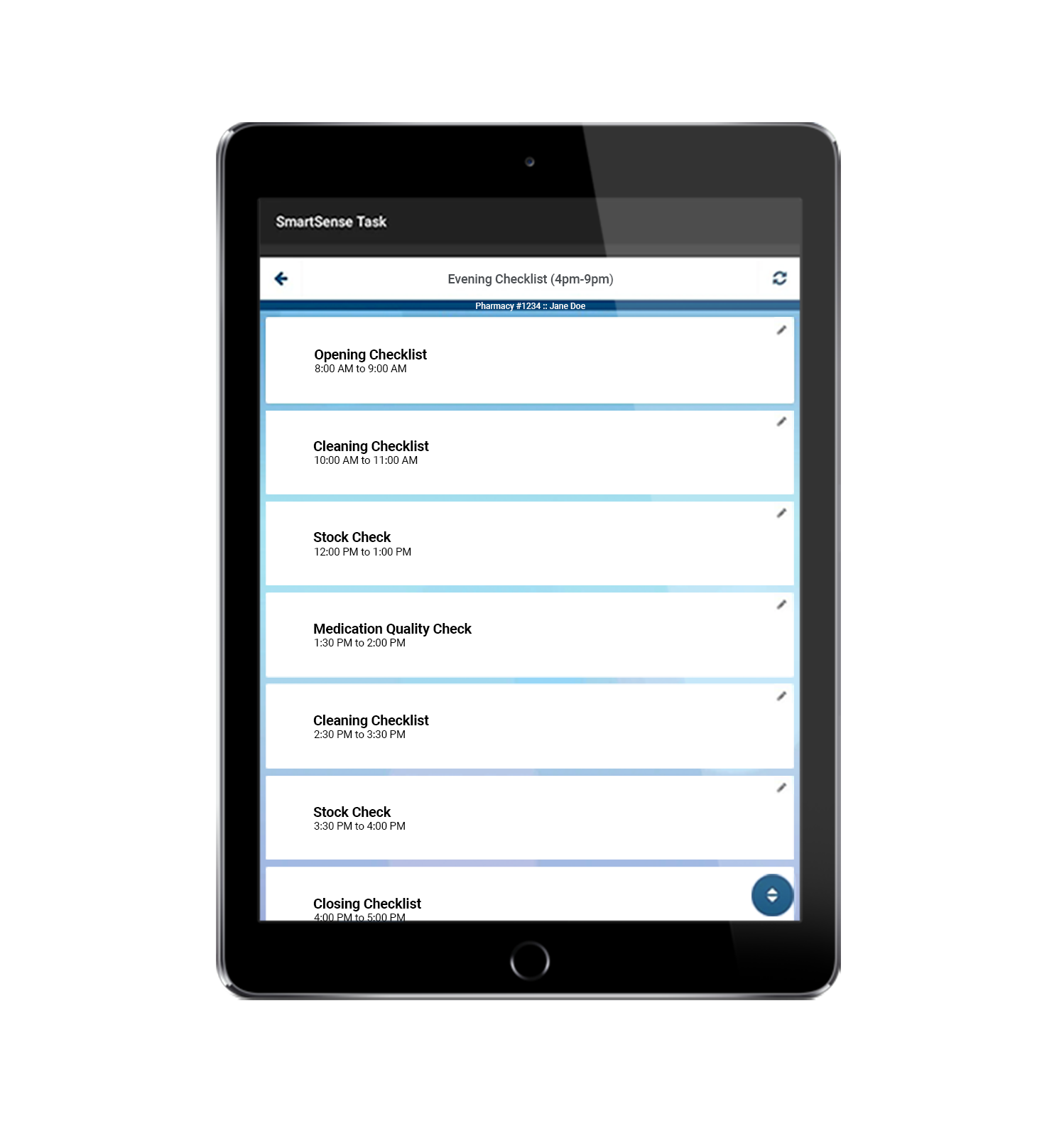
Digital task management & checklists for deskless teams

Transform your daily operations with digitized tasks to drive team accountability for deskless workers, ensuring compliance from the front-of-house to the back office.

SCHEDULE DEMO

Cafe Rio Accelerates Operational Safety with Prescriptive Digital Monitoring

Cafe Rio’s commitment is to strengthen operational execution, ensuring every guest receives safe, high-quality food. As they manage 155 locations, real-time sensing and alerting are imperative to helping restaurant teams act with precision.

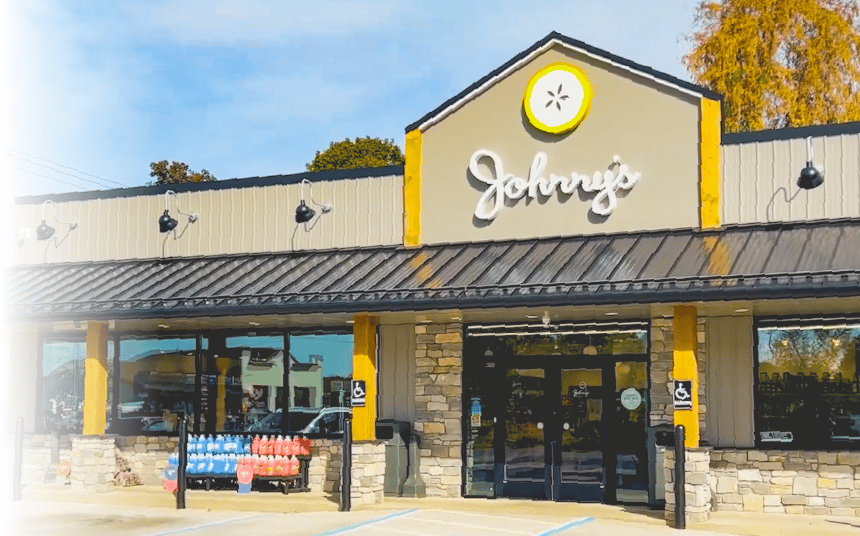
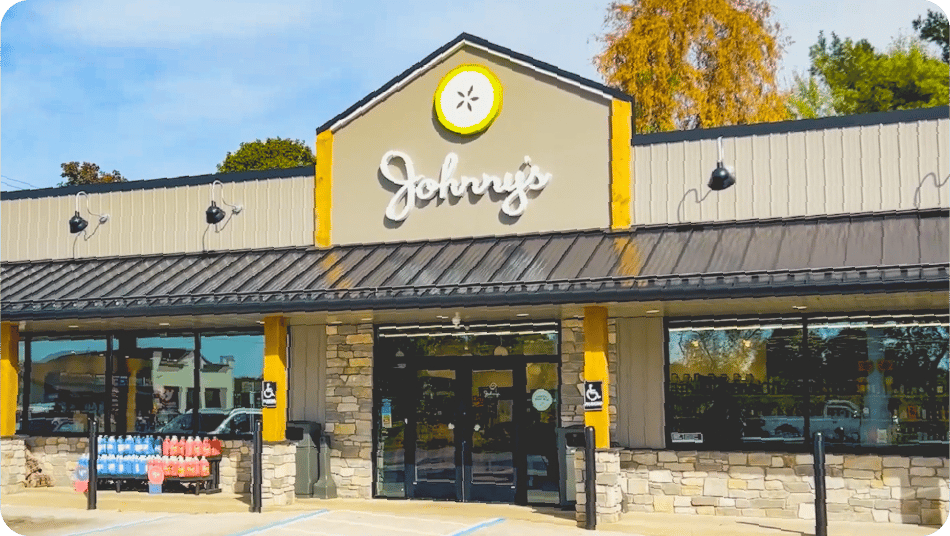
Johnny’s Markets — Reducing Product Loss With Streamlined Operations

Johnny’s Markets shares how Jolt, a SmartSense solution, helped streamline operations, strengthen checklist and labeling compliance, and reduce refrigerated product loss by 8.6%.
Market of Choice Trusts SmartSense for Consistency, Compliance, and Productivity

Partnering with SmartSense was an immediate win for Market of Choice. The reduction in errors and improvement in consistency maintained rigorous FDA standards.


Empower your teams to work smarter not harder with SmartSense by Digi®

It’s user friendly…eliminates all the paperwork we once used for checklists. Also it assists us with compliance as we use the Review section to show how we stay compliant with health inspections. The information library on the iPad allows us to pull up recipes instead of having to go through binders in the back.

Matthew L.

Chick-fil-A

A very user-friendly app that helps a daily workflow, whether it’s to-do lists, checklists, or actual forms with adding in a level of accountability and time stop that you aren’t going to get with a lot of other products. It takes a lot of working functional paper lists out of the work world and makes them digital for easy tracking and access no matter where you are at.

Caprinia A.

Culver’s

What makes a difference...is I can push a button on a dashboard and I can review any information at any time in any restaurant on compliance or temperatures. My compliance to food safety requirements in my restaurants is a ton better.

Jerry Juneau
Director of Classroom Training & Culture

Cafe Rio Fresh Modern Mexican

16M+

Monthly task completed on SmartSense

16M+

Monthly task completed on SmartSense

FAQs

Frequently asked questions about digital checklists and task management

What is an employee checklist?

An employee checklist is a structured list of tasks and procedures designed to guide employees through specific processes, like onboarding or daily duties, ensuring consistency and completeness.

How do I train staff to use Operate lists and workflows?

SmartSense provides a Customer Success Manager to support adoption success. Plus, there is a native video training section built into the app. And the system is designed in such a way that most customers find that very little training is required by their staff.

What is an employee task management system?

An employee task management system is a digital platform used to create, assign, and track tasks for employees. Operate provides a powerful task management system that increases accountability and gives managers real-time visibility into operations.

What is the purpose of operational checklists?

The main purpose of an operational checklist is to standardize procedures, reduce human error, ensure safety and quality standards are met, and improve workflow efficiency.

What should be included in a checklist?

A good checklist should include clear, concise, and actionable items. It should specify the task, the standard for completion, and who is responsible. For complex tasks, it can include links to training materials or instructions.

What is the best program to create a checklist?

While basic checklists can be made in Word or Excel, a centralized digital list program like Operate is best for businesses. Operate offers real-time tracking, automated notifications, integrated training, and powerful reporting that you can’t get with simple documents.

How do I make a collaborative checklist?

Operate’s centralized management system makes it easy to create and manage a collaborative checklist. You can assign tasks to an individual or multiple team members and departments, track progress in real-time, and ensure that every item is completed on time.

How does Operate ensure reliable evidence capture for corrective actions?

Operate requires users to submit specific forms of evidence—such as photos, notes, signatures, or geo‑location‑verified QR code scans—before a corrective action can be marked as complete. This ensures every action is backed by verifiable proof and meets compliance requirements.

How does Operate measure user productivity?

Operate provides detailed User Productivity Reports that track workload distribution and individual task performance. These reports give managers real‑time visibility into how work is assigned, how efficiently tasks are completed, and where productivity bottlenecks may exist.

What is exception reporting in Operate?

Exception reporting in Operate automatically identifies missed, failed, or late tasks so teams can quickly pinpoint performance gaps and process issues before they impact compliance or customer outcomes.

Digital operations management solutions configured for your industry